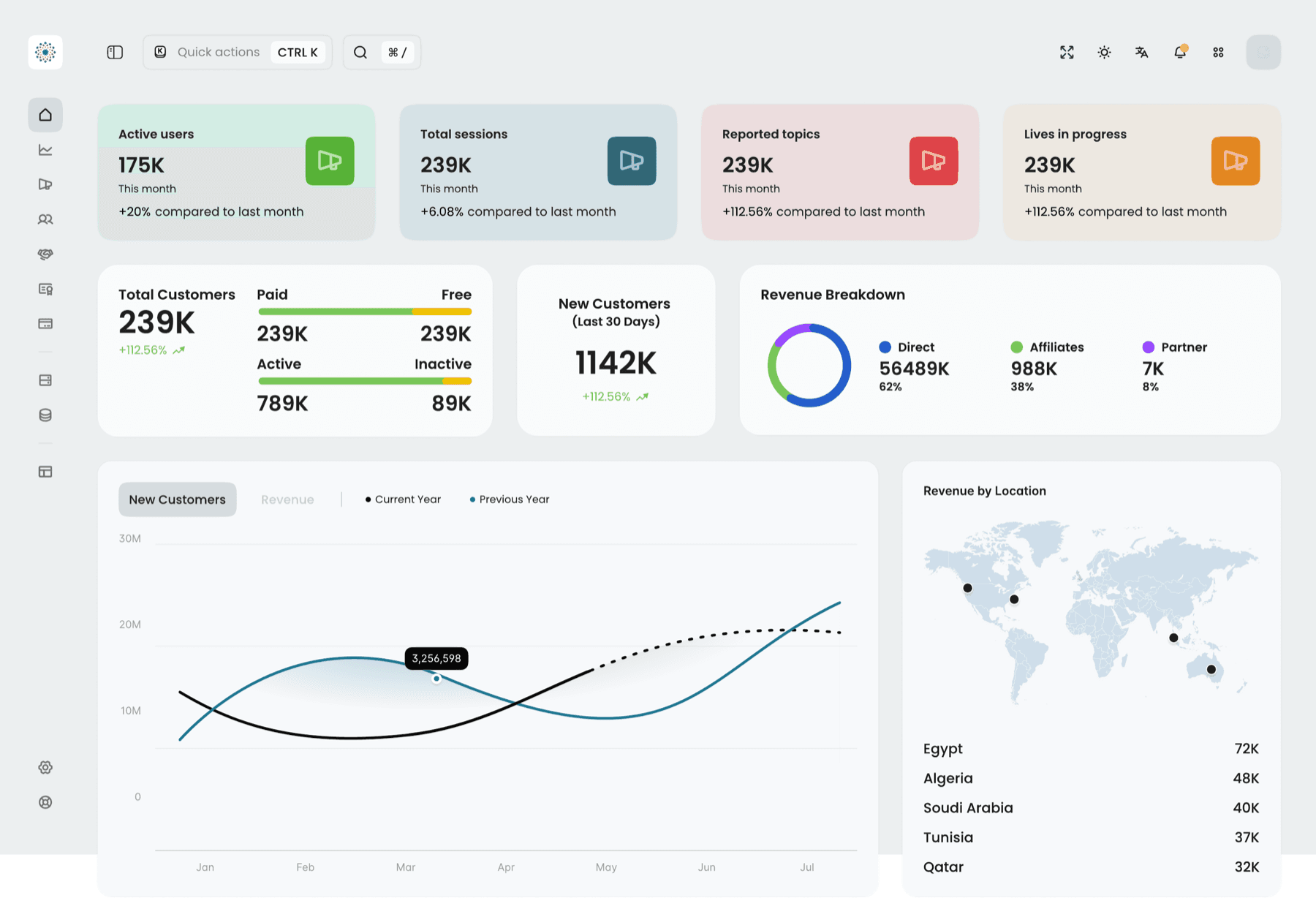

FERP is a restaurant ERP built around the moment that decides a service: taking an order and getting paid, fast. One system covers the floor and the back office — POS, tables, stock, staff, accounting, loyalty — so a venue runs on a single tool instead of a drawer full of them.
The challenge
A busy restaurant runs on a patchwork: one app for the till, another for inventory, a spreadsheet for staff, a separate service for online orders. Nothing agrees, and the friction lands at the worst possible moment — the dinner rush, when a slow checkout means a longer queue and a colder plate.
Two users pull in different directions. Floor staff need to take an order, move a table, and split a bill in seconds, under pressure, often on a tablet in one hand. Owners need the opposite of speed — a complete, reconciled view of sales, stock, and staff across the whole operation. FERP had to serve both from one system without making either compromise.
The approach
I designed FERP POS-first, then wrapped the back office around it. The product opens on a role-based hub — "how can I serve you today?" — that surfaces the modules each person actually uses and lets the rest recede. Staff start in the POS; managers start in reports.
Every high-frequency action was tuned for speed under pressure: a PIN or ID login (no passwords mid-shift), a menu laid out as a fast-scanning grid, a live cart, a table map, and a payment screen that handles cash, card, and e-wallet — including split bills and quick-amount keys — without leaving the flow. The same system reflows from desktop to tablet so the experience holds whether it's mounted at the counter or carried to the table.
One system, every station
The hub makes the breadth manageable. Fourteen modules sit behind it — the floor tools up front, the back office one tap away:
- Service — POS, Tables, Orders, Online Ordering, Call Center.
- Back office — Stock Management, Accounting, Human Resources, Reports.
- Growth — Sales, Loyalty Programs, Marketing.
- Platform — User Management, Configurations, Integration, and an AI Chat assistant.
Favoriting pins the modules a given venue lives in, so the system shapes itself to each operation instead of forcing one layout on all of them.
The POS, up close
The flagship flow is dine-in to paid. Pick a table, build the order from the menu grid, adjust quantities and item options inline, then settle up — cash with a numpad and quick-amount keys, or a split bill across guests, with promos and custom discounts in reach. An order confirmation closes the loop and frees the table.
Try the prototype
The real Figma flows — click through the full POS, from login to payment.
Selected screens
A spread across the system — hub, POS, tables, payment, and the back office. Drag to scrub, click any screen to enlarge.
The result
One system in place of a stack — the floor and the back office sharing a single source of truth, with the POS tuned for the seconds that matter during a rush. A role-based hub keeps fourteen modules approachable, and one responsive design system carries the whole thing from counter desktop to handheld tablet.
- Modules, one system
- 14
- Designed for the rush
- POS-first
- One responsive system
- Desktop + tablet
- Full service flow
- Dine-in → pay